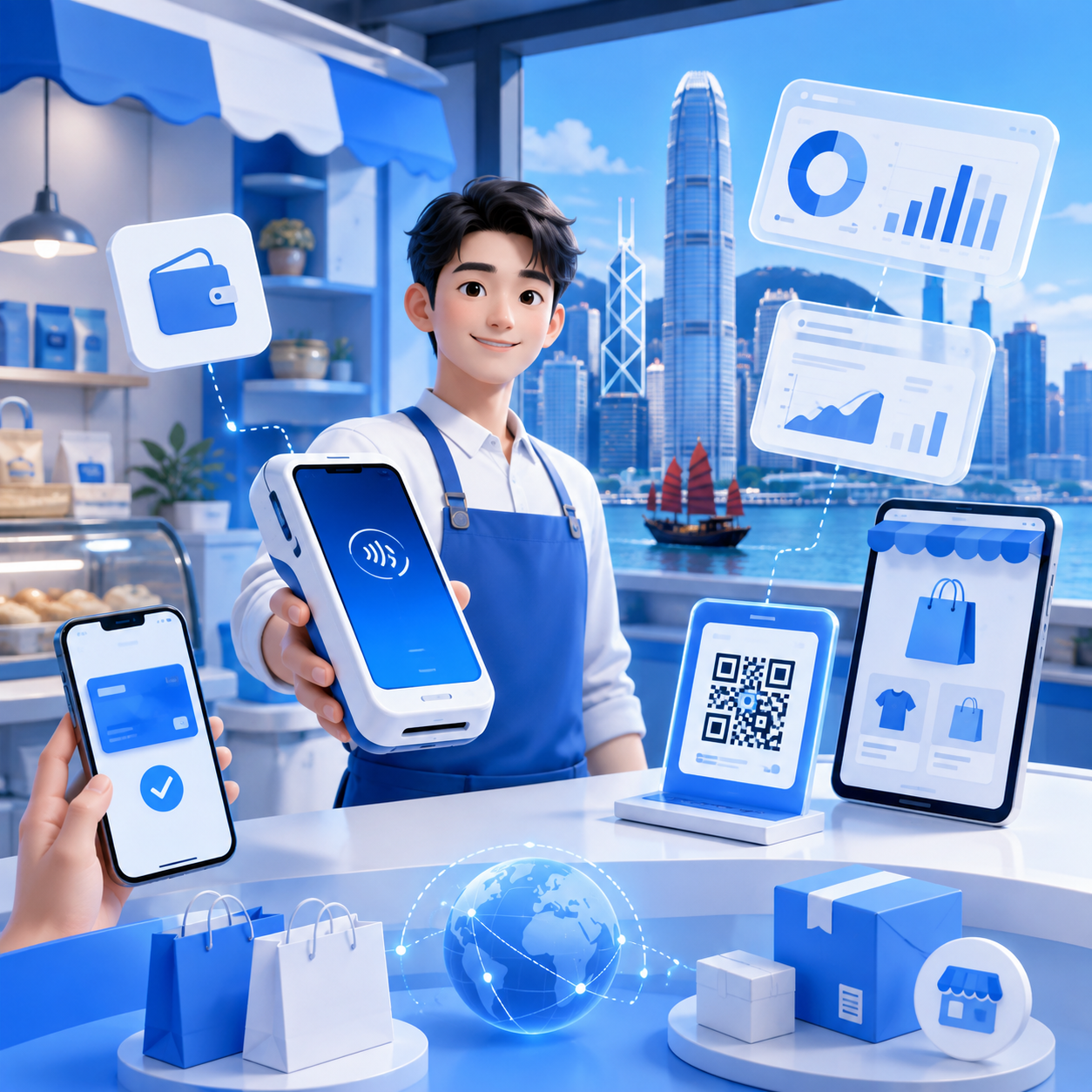
【Startup Essential】How to Choose the Best POS System?
In today's competitive business landscape, selecting the right Point-of-Sale (POS) system is crucial for entrepreneurs. With rapid technological advancements, the market offers a diverse range of POS systems, each with unique features and advantages. However, with so many options, how can you ensure the chosen system meets your business needs and boosts operational efficiency?
In today's competitive business landscape, selecting the right Point-of-Sale (POS) system is crucial for entrepreneurs. With rapid technological advancements, the market offers a diverse range of POS systems, each with unique features and advantages. However, with so many options, how can you ensure the chosen system meets your business needs and boosts operational efficiency?
Key Factors for Choosing a POS System

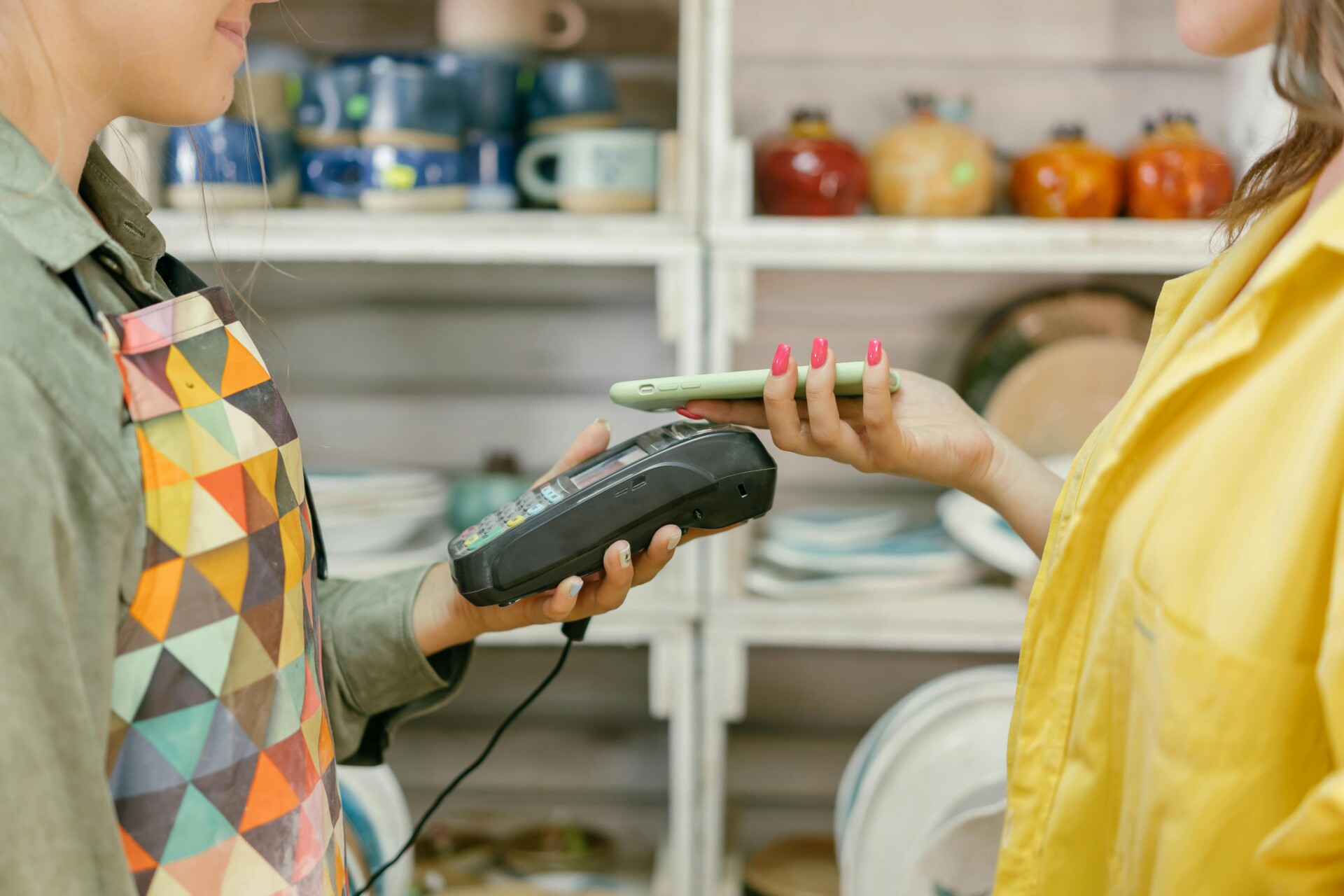
When selecting the right POS system, several important factors need consideration. First, ease of use is paramount. For example, does the system support various payment methods, like credit cards and e-wallets? This offers customers more choices, enhancing their shopping experience.
Another element is system stability and security. You need to ensure your chosen POS system operates reliably without frequent malfunctions. Protecting customer payment information is also vital, so opt for a POS system with advanced security measures.
Assess Business Needs and Budget
Before choosing a POS system, you need to understand your business requirements. Consider the following aspects:
- • Your business type, such as a restaurant, retail store, or service industry.
- • Daily transaction volume and customer count.
- • Whether additional features, like inventory management or reporting analytics, are needed.
Next, defining your budget is extremely important. POS systems vary widely in price, so you need to know how much you can afford. Consider these factors:
- • One-time purchase costs and monthly maintenance fees.
- • Hidden fees, such as transaction charges or upgrade costs.
- • Potential long-term returns and cost savings.
Feature Comparison: Basic vs. Advanced Options
When choosing a POS system, understanding both basic and advanced features is essential. Basic features typically include simple sales processing, receipt printing, and inventory management. These help merchants quickly complete transactions and easily track product quantities. However, as businesses grow, advanced options become increasingly important. These may include customer relationship management, reporting analytics, and multi-channel sales integration, allowing merchants to better understand customer needs and enhance their sales strategies.
Importance of User Experience and Technical Support
When choosing the right POS system, user experience is paramount. A good user experience makes things convenient and pleasant for both merchants and customers. When a system is simple and easy to use, employees can quickly get up to speed, improving work efficiency and reducing errors. A clear interface and intuitive operation flow help staff complete transactions faster, giving customers a smoother shopping experience.
Beyond user experience, technical support is equally indispensable. If issues arise during use, having a reliable technical support team to provide timely assistance is crucial for merchants. Whether it's a system malfunction or an operational query, quick problem resolution minimizes losses and keeps business running. Therefore, when choosing a POS system, ensure the vendor offers high-quality technical support services to ensure smooth business operations.
Future Scalability and Compatibility Considerations
When choosing a POS system, future scalability is very important. This means your system should be able to upgrade or expand as your business grows. For example, if you plan to open more branches or add new payment methods in the future, can your POS system easily adapt? Therefore, when choosing, consider these points:
- • Does the system support new features or modules?
- • Can it integrate with other software (e.g., inventory management, accounting software)?
- • Are there regular updates and technical support?
Besides scalability, compatibility is also a key factor. Your POS system needs to work with different devices and platforms, such as mobile phones, tablets, or other hardware. This not only improves work efficiency but also provides a better customer experience. When considering compatibility, check the following:
- • Does the system support multiple payment methods (e.g., credit cards, e-wallets)?
- • Can it run on different operating systems (e.g., iOS and Android)?
- • Is data synchronization between devices smooth?
Wonder Smart Terminal
The Wonder Smart Terminal is a high-tech, secure, fast, and easy-to-use POS machine designed for retail stores. It seamlessly connects with the Wonder App and can be managed remotely.
Credit Card Payments
- • Commercial accounts for payments and payouts
- • Multi-currency and foreign exchange accounts
- • Transaction detail overview
QR Code Payments
- • Scan customer wallets and get paid
- • Keep up with fast-growing commercial account applications
- • Supports custom QR code coupons
Mobile Payments
- • Tap-to-pay mobile payments
- • Reach consumers in the emerging virtual banking market
- • Keep up with the new generation payment market, led by Gen Z and young people
Multi-Device Pairing
- • Simple scan to pair with POS machine
- • Automatically assign devices to accounts
- • Single account supports multi-device pairing
When choosing the right POS system, entrepreneurs need to consider various factors, including features, cost, ease of use, and customer support. We hope this article helps you gain a clearer understanding of how to select the system best suited for your business needs, making your operations smoother.
Wonder Card, Wonder App, Wonder Smart Terminal, Wonder Dashboard
You may also like