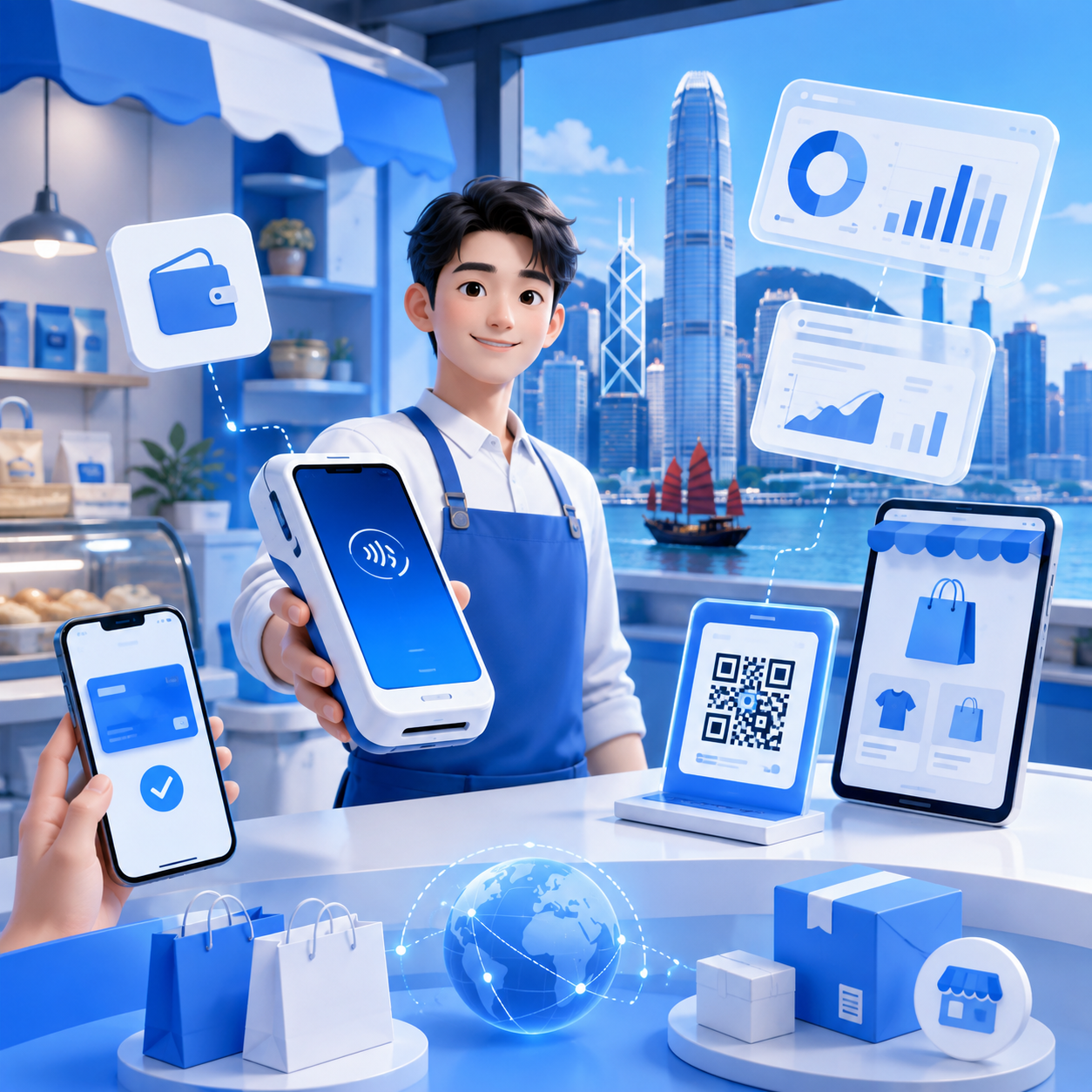
How to Use a POS System for Inventory Management to Boost Retail Inventory Turnover
In today's highly competitive retail market, efficient inventory management directly impacts a business's profitability and market responsiveness. As technology advances, traditional inventory management methods can no longer meet the rapidly changing demands of modern retail. A POS system, as an advanced point-of-sale solution, not only streamlines transaction processes but also provides real-time data analysis, helping businesses better grasp inventory status. By effectively utilizing a POS system, retailers can improve inventory turnover, reduce capital tie-up, and enhance customer satisfaction.
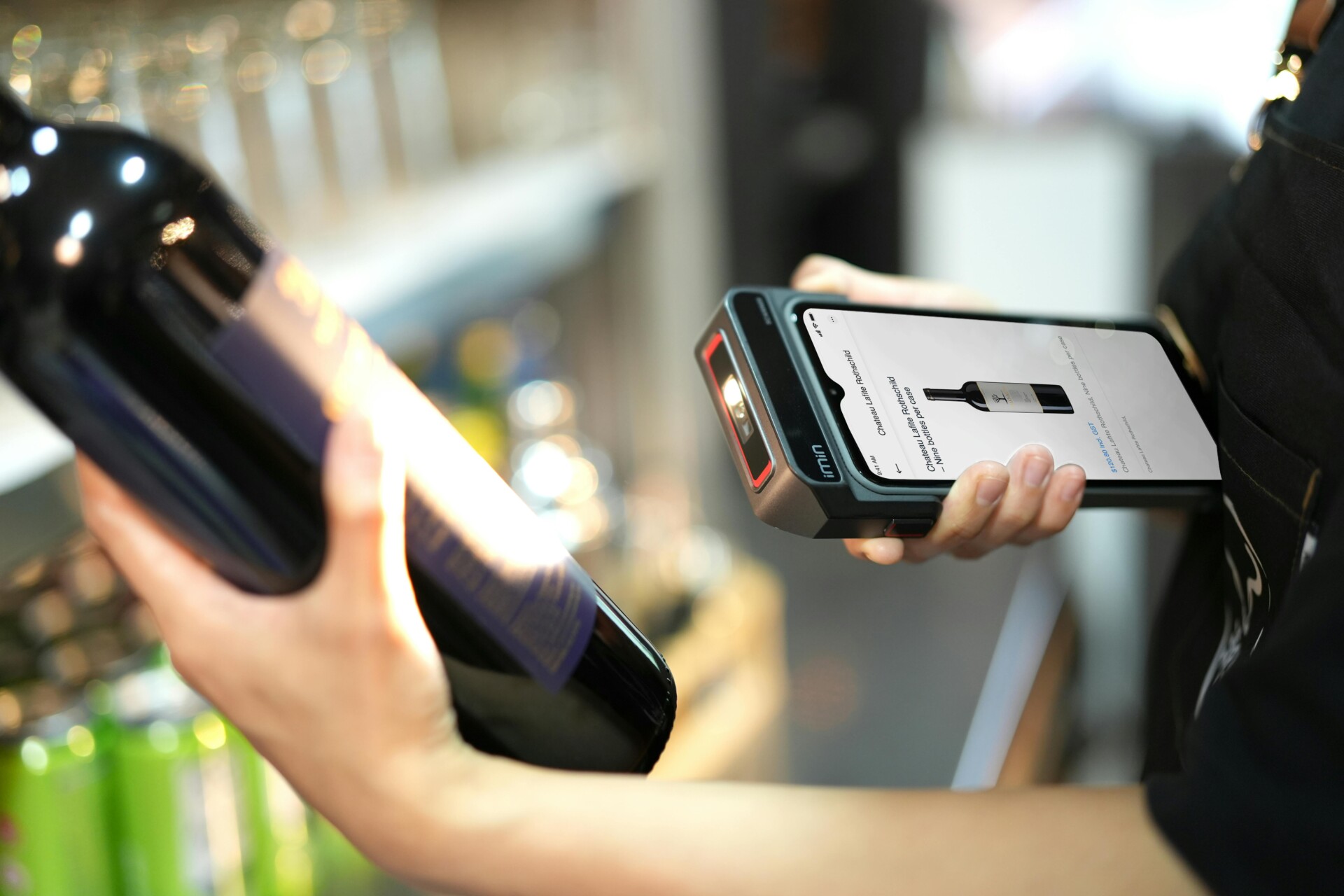
In today's highly competitive retail market, the efficiency of inventory management directly impacts a business's profitability and market responsiveness. As technology advances, traditional inventory management methods can no longer meet the rapidly changing demands of modern retail. A POS system, as an advanced point-of-sale solution, not only streamlines transaction processes but also provides real-time data analysis, helping businesses better grasp inventory status. By effectively utilizing a POS system, retailers can improve inventory turnover, reduce capital tie-up, and enhance customer satisfaction.
How to Choose the Right POS System to Support Inventory Management
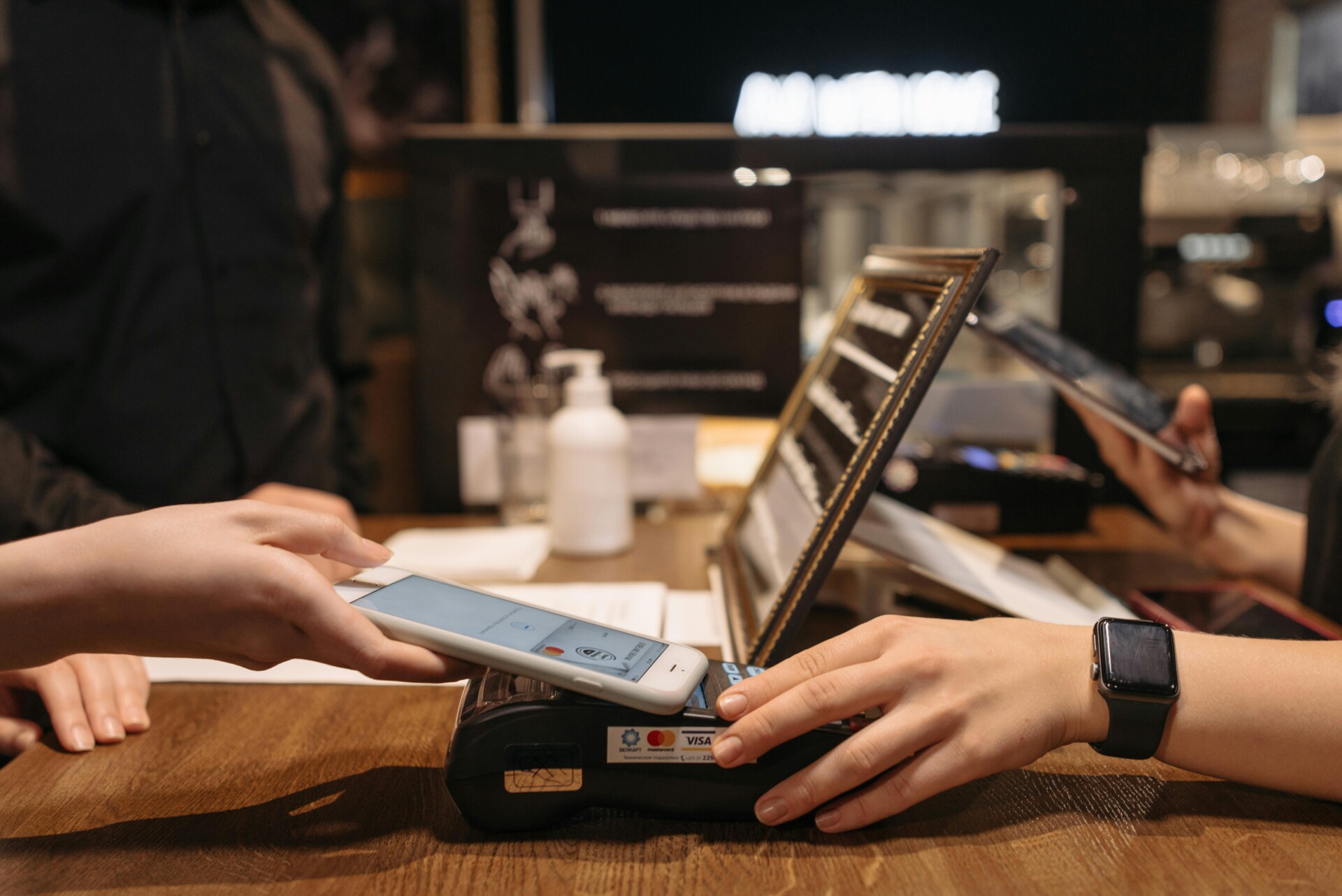
Choosing the right POS system is crucial for inventory management. First, consider if the system can update inventory data in real-time, allowing you to know at any moment which products are selling well and which are stagnant. Second, the system should have an easy-to-use interface so employees can quickly get started, reducing learning time. Additionally, good reporting features are vital, as they can help you analyze sales trends and inventory status.
When selecting a POS system, consider the following key points:
- • Ensure the system supports various payment methods, such as credit cards, cash, and electronic payments.
- • Check for inventory alert functions to facilitate timely replenishment.
- • Understand the system's customer service and technical support for quick problem resolution.
Integrate Inventory Data with Sales Analysis to Improve Decision-Making Efficiency
Integrating inventory data with sales analysis can help retailers make better decisions. When we combine inventory and sales data, we can clearly see which products are selling fast and which are not. This allows businesses to adjust inventory promptly, avoiding unnecessary stock accumulation. Through real-time data collected by the POS system, we can easily track the performance of every item and respond quickly to demand.
Furthermore, this integration also enhances customer satisfaction. If certain popular items are about to sell out, businesses can restock in advance to ensure customers aren't disappointed. By analyzing sales trends, businesses can also predict future demand and plan promotional activities more effectively. In short, integrating inventory and sales data not only improves decision-making efficiency but also makes retail operations smoother.
Real-Time Inventory Monitoring to Optimize Replenishment Processes
Real-time inventory monitoring helps stores manage products better. Through a POS system, businesses can check inventory quantity and status at any time, preventing stockouts or excess inventory. When inventory falls below a certain level, the system automatically reminds the business to restock, ensuring customers can always find the products they need.
Optimizing replenishment processes not only saves time but also increases customer satisfaction. With a POS system, businesses can quickly identify their most popular products and adjust orders based on sales data. This not only reduces capital waste but also improves inventory turnover, making store operations smoother.
Leverage Automated Reports to Boost Inventory Turnover
Automated reports help stores manage inventory better, thus boosting inventory turnover. Through a POS system, automatically generated reports can give you a clear understanding of which products are selling fast and which are stagnant. This way, you can adjust your procurement quantities based on data, avoiding excessive stock buildup and ensuring every item sells within the optimal timeframe.
Additionally, automated reports also provide real-time market trend analysis. When you know what products your customers love most, you can devise more effective promotional strategies. For example, you can offer discounts or bundle deals for hot-selling items to attract more customers. This not only increases sales but also helps accelerate inventory turnover, making your store operations run more smoothly.
Train Employees to Master the POS System to Drive Business Growth
Training employees to master the POS system is a crucial step towards boosting business growth. When employees are proficient with the POS system, they can manage inventory more effectively, ensuring products are always in stock to meet customer demands. With simple operations, employees can quickly check inventory status, identify best-selling items, and determine what needs restocking. This not only improves work efficiency but also provides customers with a better shopping experience.
To help employees master the POS system, consider the following training steps:
- • Provide easy-to-understand operation manuals.
- • Conduct regular hands-on training sessions.
- • Set up Q&A sessions to encourage employees to ask questions.
- • Share success stories to show employees real-world impact.
These methods not only boost employee confidence but also contribute to overall business growth.
Wonder Smart Terminal
The Wonder Smart Terminal is a high-tech, secure, fast, and user-friendly payment terminal designed for retail stores. It seamlessly connects with the Wonder App and can be managed remotely.
Credit Card Payments
- Business accounts for receiving and making payments
- Multi-currency and foreign exchange accounts
- Transaction details overview
QR Code Payments
- Scan customer wallets and receive payments
- Keep up with fast-growing business account applications
- Supports custom QR code coupons
Mobile Payments
- Contactless mobile payments
- Reach consumers in the emerging virtual banking market
- Keep up with the new generation payment market led by Gen Z and young people
Multi-Device Pairing
- Simple scan to pair with the payment terminal
- Automatically assign devices to accounts
- Single account supports multi-device pairing
In today's fiercely competitive retail market, efficient inventory management is crucial for improving business performance. By effectively utilizing a POS system, businesses can not only monitor inventory status in real-time but also make smarter decisions based on data analysis, thereby increasing inventory turnover. This not only helps reduce capital tied up but also enhances customer satisfaction and overall sales performance.
You may also like