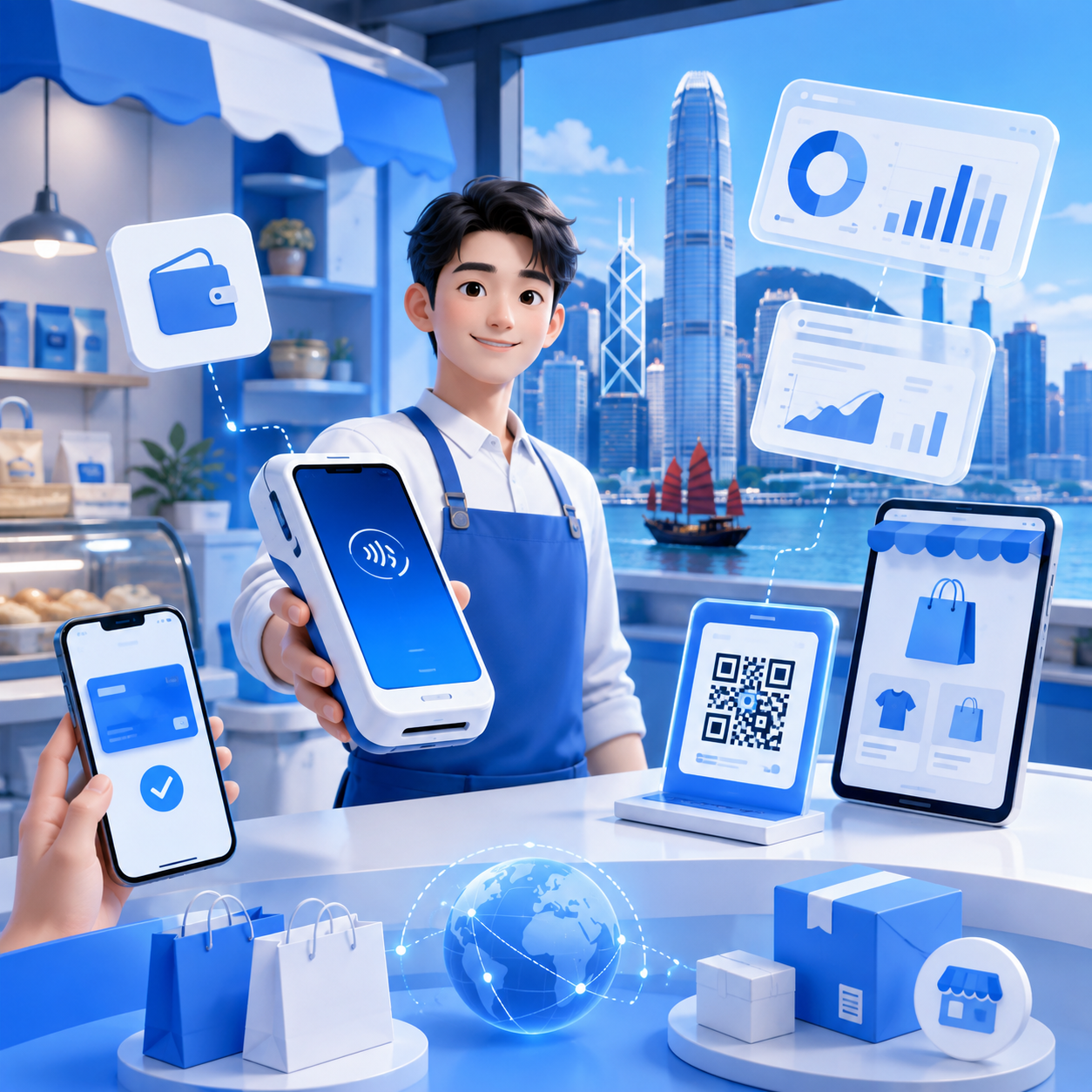
Hong Kong Self-Service Kiosk Payment Integration: How to Choose? Credit Cards, e-Wallets, QR Payments & Reconciliation Guide
How to integrate payments for self-service ordering or checkout kiosks in Hong Kong? This article covers key considerations like credit cards, e-wallets, QR payments, payment result synchronization, automatic reconciliation, deployment testing, and cost transparency to help businesses boost checkout efficiency and operational management.

For self-service ordering or checkout in Hong Kong, the real challenge isn't just installing a kiosk; it's ensuring the entire payment process is fast, stable, and easy to manage. If customers complete their order or purchase at a kiosk only to find insufficient payment options, desynchronized transaction results, or have to re-queue after a failed payment, the system intended to reduce staff pressure might inadvertently create new operational bottlenecks.
For F&B, retail, clinics, education centers, and service-oriented businesses, the true value of kiosk payment integration lies in consolidating credit cards, e-wallets, QR payments, refund records, and reconciliation reports into a single, manageable process. This leads to smoother front-end checkouts and easier back-end transaction verification and settlement.
Therefore, when choosing a payment integration for self-service ordering or checkout, merchants shouldn't just ask, 'Can it accept payments?' but also consider payment method coverage, system connectivity, payment result synchronization, reconciliation reports, deployment speed, and long-term costs.
Why Do Self-Service Ordering / Checkout Kiosks Need Payment Integration?
Kiosks empower customers to complete ordering, purchasing, payment, or check-in processes independently. If the payment section still relies on a single method or requires staff intervention for payment issues, the self-service process won't genuinely alleviate counter pressure.
More Than Just Payment Acceptance, It's a Complete Checkout Experience
Hong Kong consumers have diverse payment habits: some prefer tapping cards, others use mobile wallets, and some favor QR codes or Octopus. If a kiosk only supports a limited number of payment methods, customers might abandon their purchase at the last step or switch to the counter to re-queue.
Not Just Front-End Convenience, But Also Easy Back-End Management
If credit cards, e-wallets, and QR payments are handled by different providers, store managers or finance teams might need to cross-reference transactions, refunds, and settlements across multiple back-end systems. The goal of payment integration is to align front-end payments with back-end reconciliation under one management streamline.
Which Payment Methods Should Hong Kong Kiosk Payment Integration Support?
While specific payment needs vary by business, the Hong Kong market often requires catering to local customers, tourists, corporate clients, and peak hour traffic. Thus, an ideal kiosk payment solution should cover mainstream card payments, local e-wallets, QR payments, and Octopus.
| Payment Type | Common Methods | Suitable Scenarios | Merchant Value |
|---|---|---|---|
| Credit & Debit Cards | Visa, Mastercard, JCB, UnionPay | F&B, Retail, Clinics | More convenient for higher-value transactions |
| Contactless Payments | Apple Pay, Google Pay, Tap-to-Pay | Fast checkout, peak hours | Shortens transaction time per order |
| E-wallets | Alipay, WeChat Pay, PayMe | Local daily spending, younger demographic | Increases payment options |
| QR Payments | FPS, UnionPay QuickPass, and other scan-to-pay methods | Self-checkout, semi-self-service models | More flexible hardware setup |
| Octopus | Octopus | Fast food, convenience purchases | High local acceptance |
5 Key Factors When Choosing a Kiosk Payment Solution
1. Does it support diverse payment methods?
The biggest fear with self-service ordering or checkout is getting stuck at the payment step. Merchants should confirm if the solution supports credit cards, debit cards, e-wallets, QR codes, Octopus, and other commonly used local payment methods to prevent customers from abandoning transactions due to insufficient payment options.
2. Is it easy to connect to existing Kiosk, POS, or order systems?
Payment integration shouldn't just focus on hardware; it must also be compatible with existing kiosk software, POS, ordering systems, or order workflows. Merchants should pre-confirm if APIs, webhooks, SDKs, custom checkouts are needed, or if the system provider can assist with integration.
3. Can payment results be synchronized instantly?
Ideally, once a customer completes payment at the kiosk, the transaction result should be immediately transmitted back to the kiosk, POS, or order system. This reduces inconsistencies like 'paid but not issued' or 'ordered but not successfully paid.'
4. Are reconciliation reports clear?
The most time-consuming part of kiosk payments is often not the transaction itself, but the subsequent reconciliation. Merchants should check if the system clearly displays transaction records, payment methods, refund records, fees, and settlement details for easy daily or monthly reconciliation.
5. Is the cost structure transparent?
Beyond transaction fees, merchants should compare monthly fees, rental fees, contract periods, installation costs, integration fees, and ongoing support costs. For multi-store or multi-kiosk deployments, long-term cost transparency directly impacts expansion decisions.
How Can Kiosk Payment Integration Be Used in Different Business Scenarios?
F&B and Fast Food
F&B places the highest priority on speed during peak hours. A self-service ordering kiosk that supports common payment methods and instantly synchronizes payment results to the order fulfillment process can help shorten queues, allowing front-line staff to focus on food preparation, order corrections, and customer inquiries.
Retail and Self-Checkout
Retail stores typically need to quickly complete product scanning, payment, and receipt processes. When credit cards, mobile wallets, QR payments, and Octopus are integrated into a single workflow, customers are less likely to abandon payment at the last step, and store managers can more easily track the transaction performance of each kiosk.
Clinics, Education Centers, and Service-Oriented Businesses
These scenarios often prioritize transaction traceability, such as check-in payments, course registrations, appointment fees, deposits, or supplementary payments. Clear payment statuses, refund records, and reconciliation fields are more critical than simply adding more payment methods.
What Should Be Confirmed Before Deploying Kiosk Payment Integration?
Before formal integration, merchants should first organize their existing systems, operational processes, and financial needs. This reduces the need for repeated modifications after launch and helps payment service providers and kiosk technical teams quickly determine the most suitable integration method.
| Confirmation Items | Questions to Clarify |
|---|---|
| Existing Systems | Do you already have kiosks, POS, ordering systems, or self-checkout software? Are specific connection methods required? |
| Payment Methods | Which credit cards, local e-payments, QR codes, or Octopus need to be supported? |
| Transaction Sync | How should order status be updated for successful, failed, refunded, or canceled payments? |
| Reconciliation Fields | Does finance need to reconcile by order number, transaction ID, payment method, fee, or settlement date? |
| Network & Equipment | Is the in-store Wi-Fi, 4G, 5G, or wired network stable? Do multiple machines need to be deployed simultaneously? |
| Expansion Plans | Will more branches, stalls, event scenarios, or central management be added in the future? |
How Does Wonder Support Hong Kong Self-Service Ordering / Self-Checkout Kiosk Payment Integration?
If your business needs to consolidate self-service ordering, self-checkout, credit cards, e-wallets, QR payments, and back-end reconciliation into a single workflow, Wonder is a fintech platform in Hong Kong worth exploring.
Wonder supports up to 34 online and offline payment methods, including Visa, Mastercard, JCB, Octopus, UnionPay, UnionPay QuickPass, WeChat Pay, Alipay, PayMe, FPS, etc., making it suitable for kiosk scenarios that need to cover local and tourist payment habits.
For front-end deployment, Wonder Terminal can serve as an in-store payment terminal, handling tap, insert, scan, and e-wallet payment scenarios; for back-end management, Wonder App and Wonder Dashboard help merchants view transaction records, settlement data, and operational insights, allowing store managers, operations teams, and finance to centralize payment data management.
For merchants who value cost transparency, Wonder openly offers transaction fees as low as 0.7%, with no contract, no monthly fees, and no terminal rental fees. For F&B merchants, specific solutions can also support T+0 instant settlement, enabling faster cash flow.
Before formal implementation, merchants should still confirm their kiosk software architecture, payment method requirements, transaction status synchronization, refund processing, sandbox testing, report fields, and network environment to ensure the integration truly aligns with daily operations.
FAQ: Kiosk Payment Integration Common Questions
1. Do self-service ordering kiosks always need to support multiple payment methods?
Not every store needs all payment methods, but if your business caters to local customers, tourists, or high-traffic demographics, supporting diverse payment methods usually reduces checkout friction and improves self-service completion rates.
2. Does kiosk payment integration always require an API?
It depends on your existing system. Some kiosks or POS systems can be deployed via existing connection methods, while others require APIs, webhooks, or custom integration. Confirm with your technical team before formal deployment.
3. Why is payment result synchronization important?
Because if kiosks, POS, and payment systems are out of sync, problems can arise like 'paid but not issued,' 'ordered but not successfully collected,' or difficulty tracking refund records.
4. What industries are suitable for self-checkout kiosks?
Common scenarios include fast food restaurants, coffee shops, retail stores, convenience stores, clinics, education centers, ticket counters, and service-oriented businesses. The key is whether the transaction process is standardized and if customers can complete payments independently.
5. What's most important when choosing a kiosk payment gateway?
The most important factors are payment method coverage, system connectivity, payment result synchronization, reconciliation reports, stability, and cost transparency, rather than just comparing a single transaction fee.
Conclusion: Good Kiosk Payment Integration Makes the Front-End Smoother, and the Back-End Clearer
When choosing a self-service ordering or checkout kiosk payment solution in Hong Kong, merchants shouldn't just ask, 'Can it accept payments?' but also consider if the payment options are sufficient, if the connection is stable, if transaction statuses are synchronized, if reconciliation reports are clear, and if the costs are suitable for long-term expansion.
When front-end payment processes are smooth and back-end transaction data is centralized, kiosks can truly reduce queues, improve efficiency, and simplify management. For F&B, retail, and service-oriented businesses undergoing digitalization, payment integration is not an add-on; it's critical to the successful implementation of self-service processes.
You may also like