【Octopus POS】How Can Small Businesses Apply?
In Hong Kong, with the increasing popularity of electronic payments, small businesses are recognizing the importance of offering convenient payment options to attract more customers. Octopus, as one of the most popular e-payment tools in the local market, offers a POS system that not only boosts transaction efficiency but also enhances the customer shopping experience. However, for many small businesses, applying for and installing an Octopus POS system can present certain challenges.

In Hong Kong, with the increasing popularity of electronic payments, small businesses are recognizing the importance of offering convenient payment options to attract more customers. Octopus, as one of the most popular e-payment tools in the local market, offers a POS system that not only boosts transaction efficiency but also enhances the customer shopping experience. However, for many small businesses, applying for and installing an Octopus POS system can present certain challenges.
Octopus POS Application Process for Small Businesses
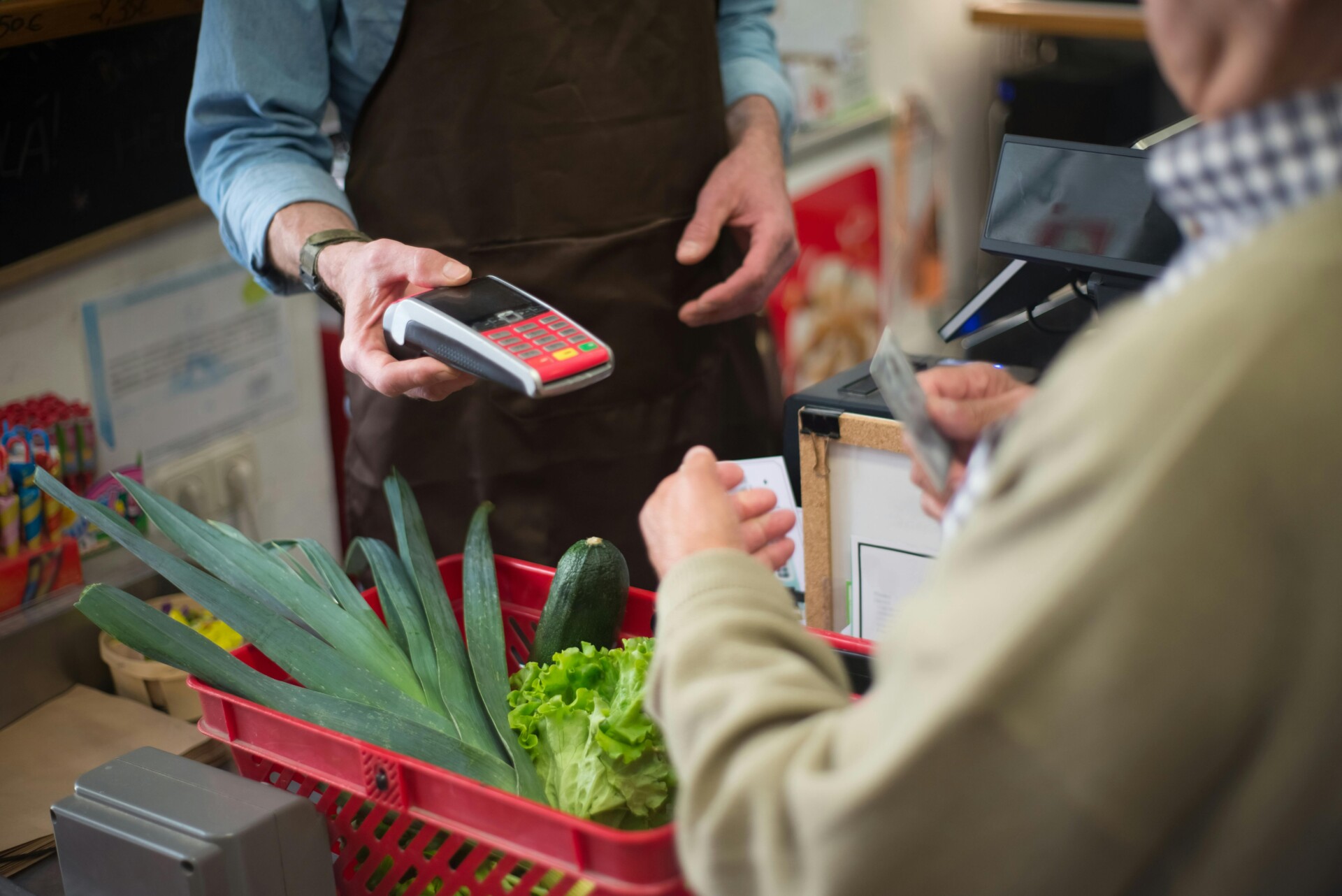
Small businesses looking to apply for an Octopus POS system can follow these simple steps. First, you'll need to prepare some basic information, including your business registration, identification documents, and bank account details. This information helps verify your business identity, making the application process smoother.
Next, you can submit your application through the official Octopus website or customer service hotline. When filling out the application form, ensure all details are accurate. After submission, Octopus will review it, which usually takes a few business days. If everything goes smoothly, you'll receive installation and usage guidelines, allowing you to start accepting customer payments!
Detailed Requirements for Documents and Eligibility
To apply for an Octopus POS system, small businesses need to prepare several essential documents. First, you'll need to provide proof of your business identity, such as a business registration certificate or trade license. Additionally, bank account details are required for transaction settlements. These documents help Octopus confirm your business identity and ensure transaction security.
Beyond the documents, applicants must also meet some basic eligibility requirements. You must be a legally registered small business with a stable operating location. Furthermore, your business scope should be suitable for using Octopus services, such as retail, F&B, etc. If you meet these conditions, you can begin your application!
How to Choose the Right Octopus POS Solution
Choosing the right Octopus POS solution is crucial for small businesses. First, consider your business type and customer needs. For example, if you often sell products at different locations, mobile payment functionality will be very helpful. Second, understanding the fee structure of various plans, including transaction fees and monthly charges, can help you make an informed decision.
Additionally, pay attention to technical support and ease of use. A good POS system should be user-friendly and offer prompt customer service. Finally, consider referring to the experiences and reviews of other merchants; this can provide a clearer understanding of each solution's pros and cons. Choosing an Octopus POS solution that suits you will help boost your business efficiency.
System Setup and Usage Guide After Application
Congratulations on successfully applying for Octopus POS! Next, we'll show you how to set up and use the system. First, you'll need to follow these steps for system setup:
- • Connect the Octopus POS machine to power and the network.
- • Turn on the machine and follow the on-screen instructions for initial setup.
- • Enter your merchant information, such as business name and contact number.
- • Download and install relevant applications to manage transaction records.
Once setup is complete, you can start using Octopus POS for transactions! During use, please keep the following in mind:
- • Ensure the machine is operating correctly before each transaction.
- • When customers pay, have them tap their Octopus card near the reader.
- • After a transaction, remember to provide the customer with a receipt for their records.
- • Regularly check your transaction reports to understand sales performance.
Common Questions and Solutions
If you're a small business looking to apply for an Octopus POS system, you'll first need to prepare some basic information. This includes your business name, address, and contact number. Additionally, you'll need to provide a copy of your business license to prove your business's legality. During the application process, ensure all information filled in is accurate to speed up the review process.
After submitting your application, you might have some questions, such as how to set up the device or handle transaction issues. Typically, Octopus provides detailed user manuals and a customer service hotline. If you encounter technical problems, feel free to contact their customer service; they will provide professional assistance. Remember to be patient, as each step is important for helping your business run smoothly.
Wonder Smart Terminal
The Wonder Smart Terminal is a high-tech, secure, fast, and easy-to-use POS machine designed for storefronts, seamlessly connecting with the Wonder App for remote management.
Credit Card Acceptance
- Business accounts for receiving and making payments
- Multi-currency and foreign exchange accounts
- Transaction detail overview
QR Code Payments
- Scan customer wallets and get paid
- Stay ahead with fast-growing business account applications
- Supports custom QR code coupons
Mobile Payments
- Tap-and-go mobile payments
- Reach consumers in the emerging virtual banking market
- Stay current with the new generation of payment markets led by Gen Z and younger demographics
Multi-device Pairing
- Simple scan to pair with POS machines
- Automatically assign devices to accounts
- Single account supports multi-device pairing
You may also like