
Bank transfers to match your due date.Card debit up to 60 days later.
Payment example
Regular bank transfer
Oct 1Payment due
Oct 1: Payment due
Funds leaveyour account
Funds leave your bank account
Wonder Bill Pay
Oct 1Card payment
Oct 1: Card payment
Wondertransfers toyour supplier
Wonder transfers funds to your supplier
Nov 30Carddebit
Nov 30: Card debit
Yourpayment
Your payment
* Payment to your supplier takes effect when the bank transfer is completed.
Make invoice payments smarter.

No need to tell your supplier
You can specify the sender name, so you can use the service without telling your supplier.

More flexibility with your funds
Your card payment is debited up to 60 days later. In the meantime, you can use your available funds for inventory and business operations.
Easy to use in the app
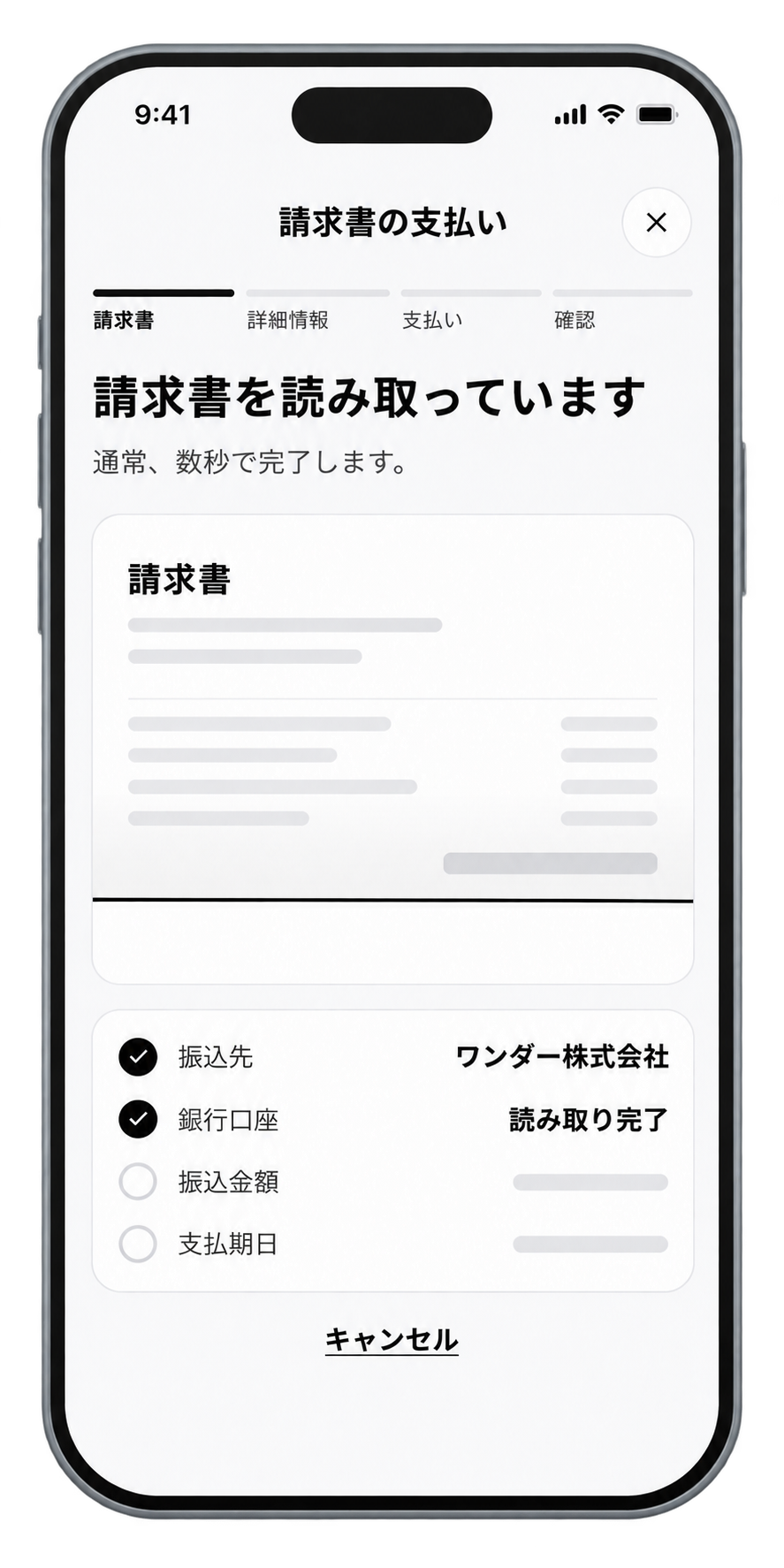
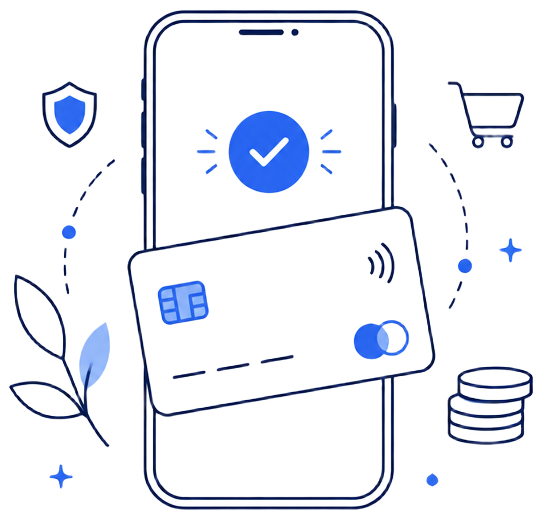
From registering an invoice to paying with your card, everything can be completed in the app.
Wonder Bill Pay for these payments, too.
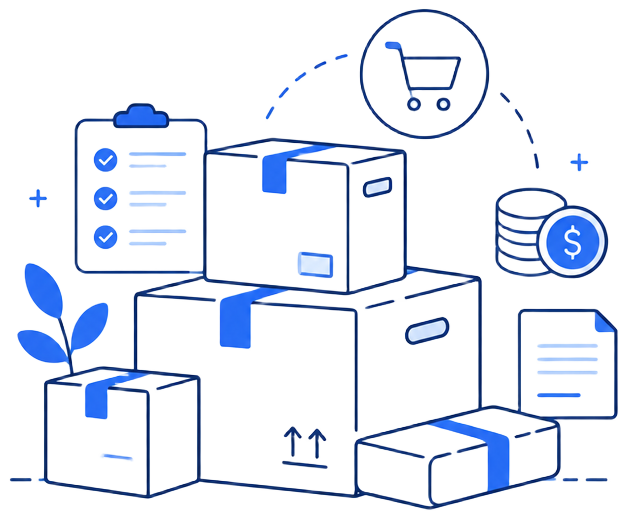
For a wide range of invoices arising from day-to-day business operations.
Inventory and purchases
For everyday business payments, including purchases of goods and materials.

Outsourcing and contractor fees
For payments to partner businesses and external staff.

Equipment and supplies
For equipment and supplies needed for your business.
The fee is just 2.5% of the payment amount (planned).
There are no setup or monthly fees. Rewards from your card can further reduce the effective cost.
Payment fee (planned)
2.5%
- Invoice amount
- ¥100,000
- Payment fee (2.5%, planned)
- ¥2,500
- Total card payment
- ¥102,500
- With a card offering 1% rewards
- Approx. 1,025 reward points
* Reward rates vary depending on your card.
* The displayed fee rate is planned. The final rate will be announced when the service launches.
Complete your payment in 3 simple steps.
1
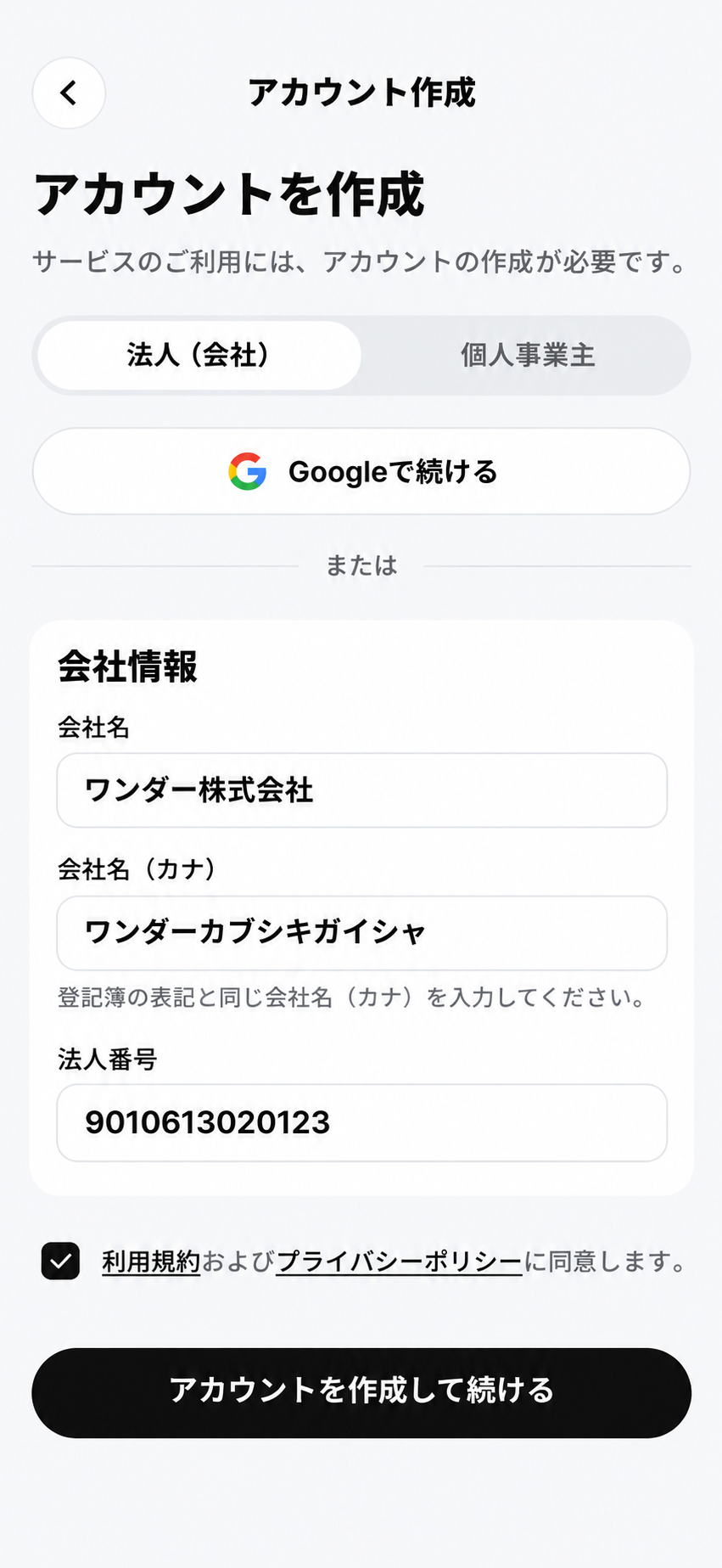
Create a Wonder account
Enter the required information in the app.
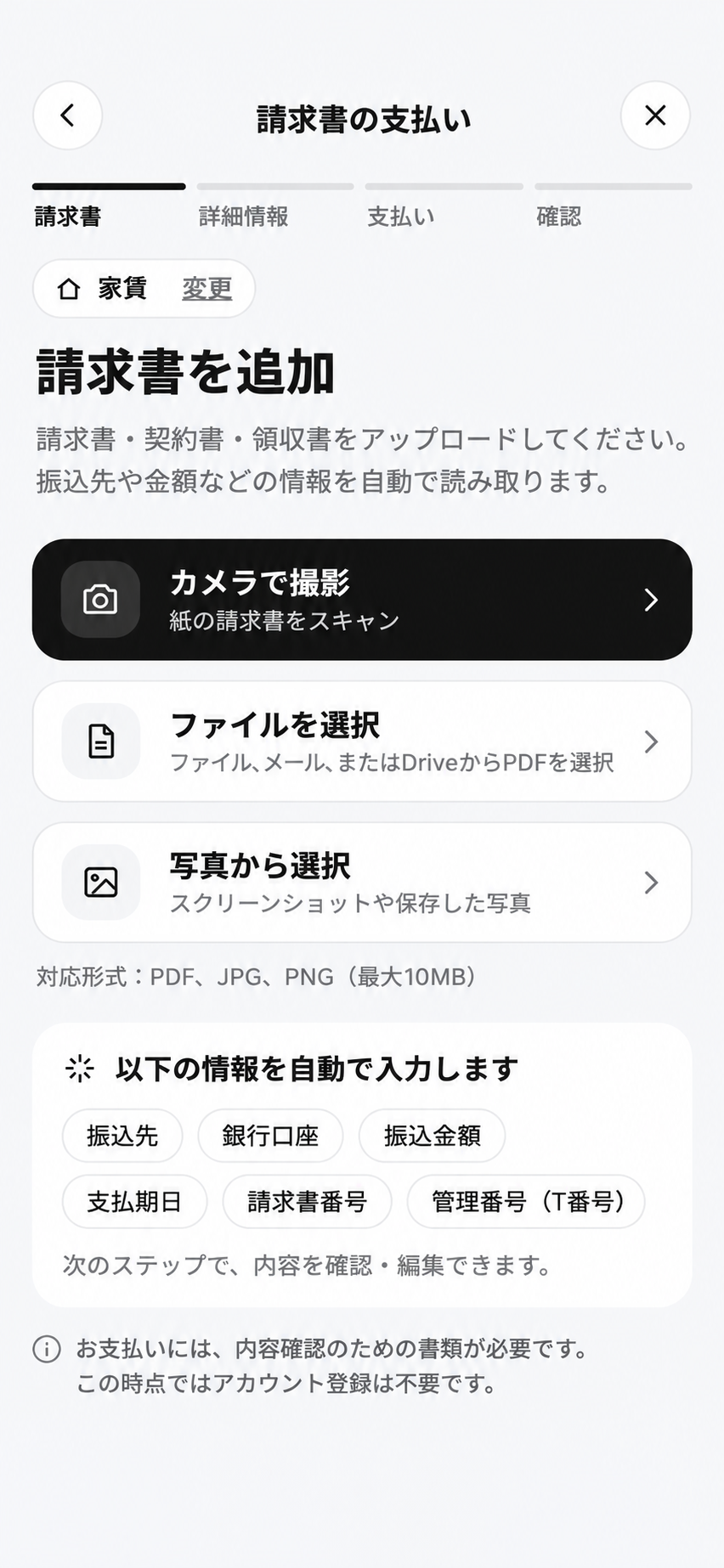
2
Upload your invoice
Register the invoice you want to pay and the bank transfer details.
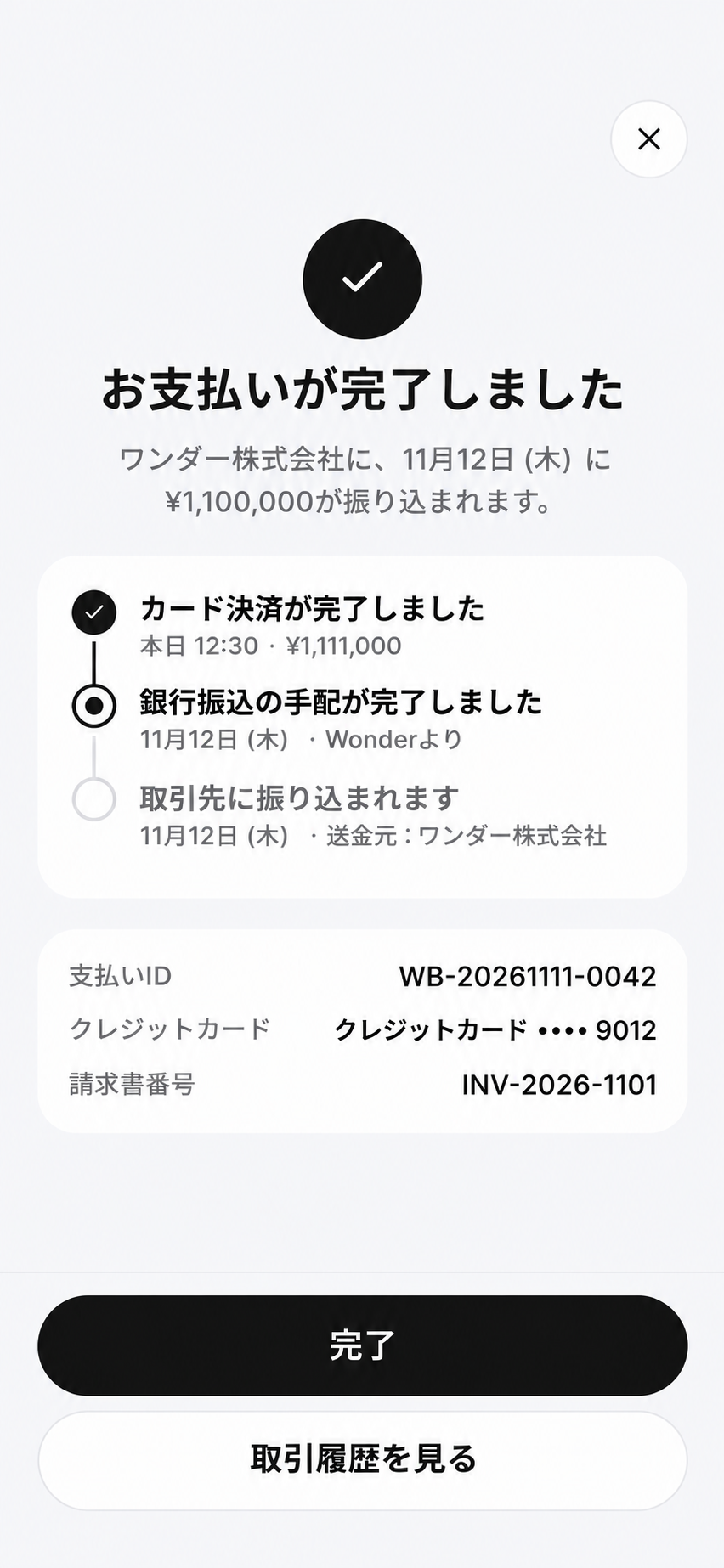
3
Pay with your card
Once your card payment is complete, Wonder transfers the funds to your supplier.
Wonder Bill Pay is coming soon.
Be among the first to hear when the service launches.