
Get paid remotely
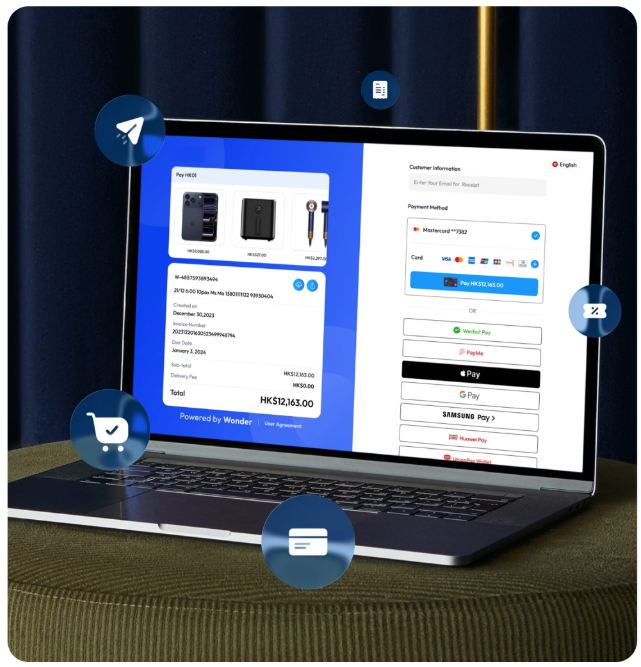
Send a Payment Link so your client can pay on their own device.

For independent professionals
Request payment remotely or accept it in person. Wonder gives consultants, creatives, advisers and freelancers practical ways to collect agreed amounts.
For consultants, designers, photographers, marketers, advisers and other independent professionals.
Why Wonder
Send a Payment Link so your client can pay on their own device.
Use a compatible Android phone for supported contactless payments.
Request the agreed amount before work, at a milestone or on completion.
Check payment confirmations and related transaction records in Wonder.
Built around how you work
Request an agreed deposit, milestone payment or final amount when it is due.
Send a new payment request when an agreed retainer or piece of work is due.
Accept an eligible contactless payment when the client is there with you.
Two ways to get paid
Remote
Send a link by message or email. Your client opens it and pays on their own device.
Learn more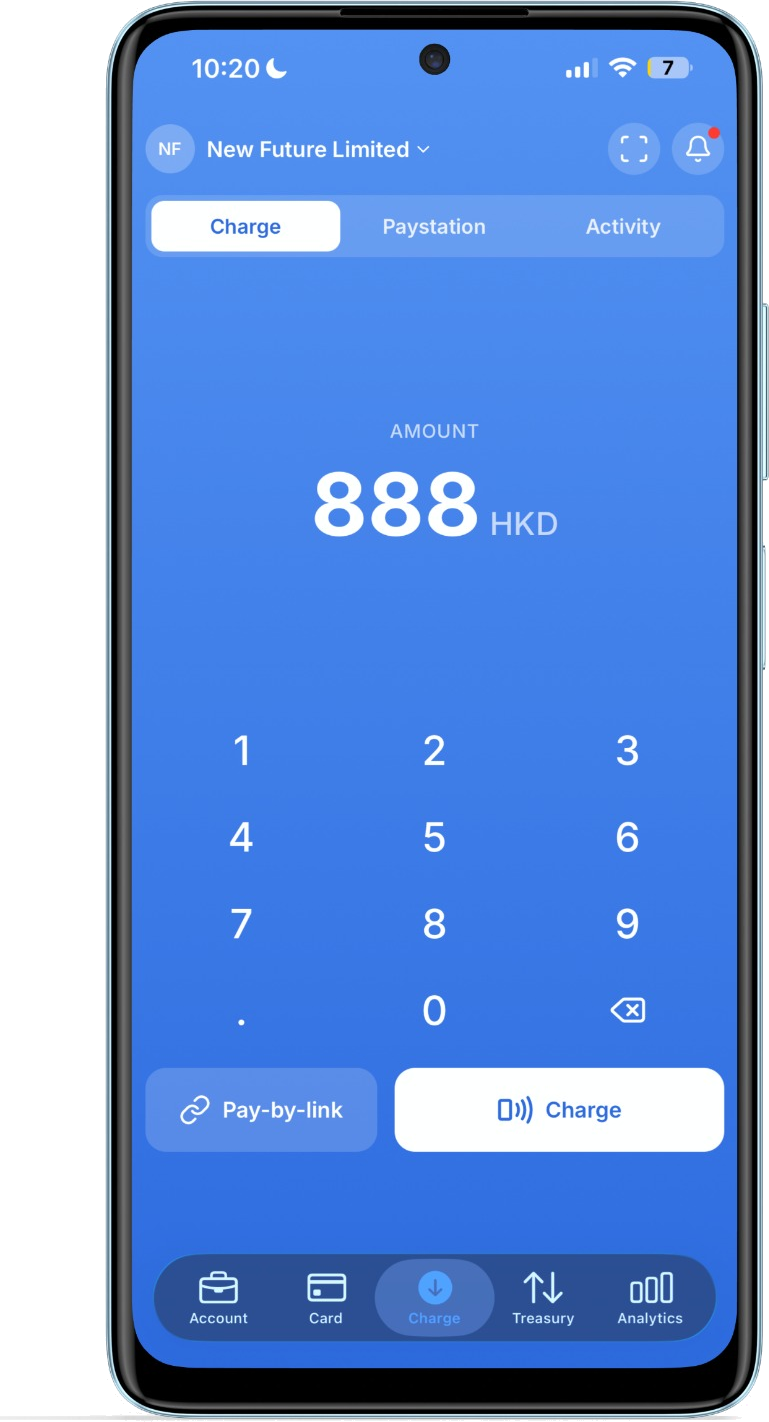
In person
When your client is present, accept supported contactless payments on a compatible Android phone.
Learn moreWonder Payment Link
Set the amount already agreed with your client.
Send the link through your usual client conversation.
See the payment result after your client completes it.
Wonder SoftPOS
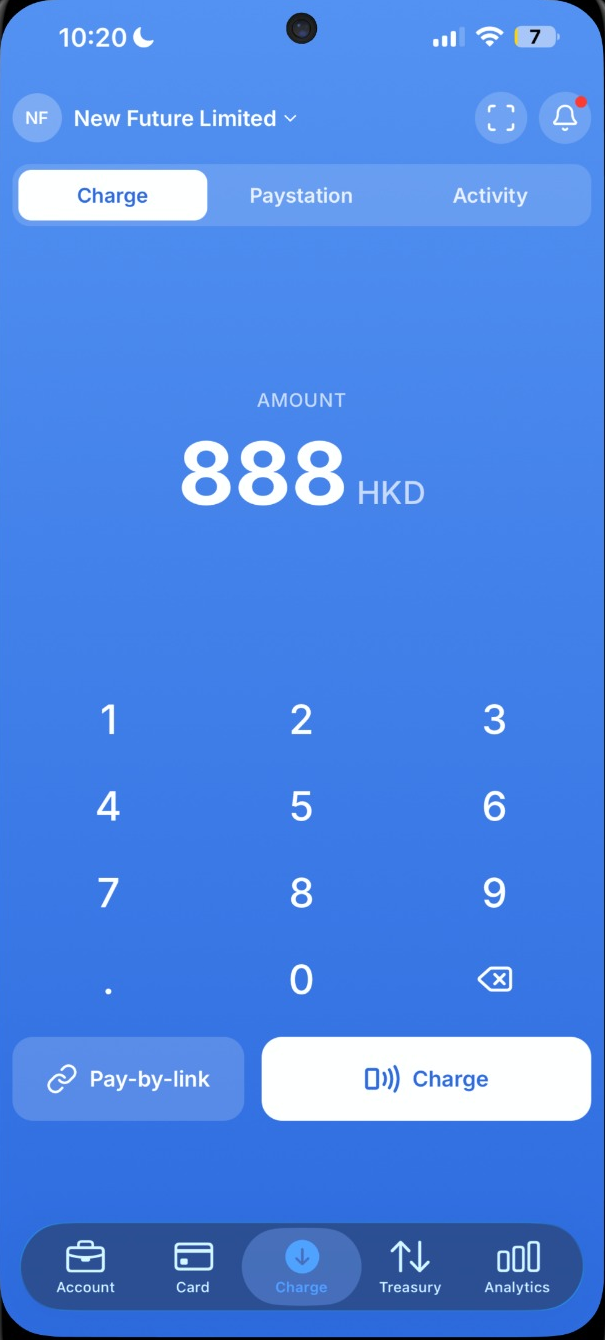
Enter the amount
Open Wonder, key in the total and confirm the payment request.
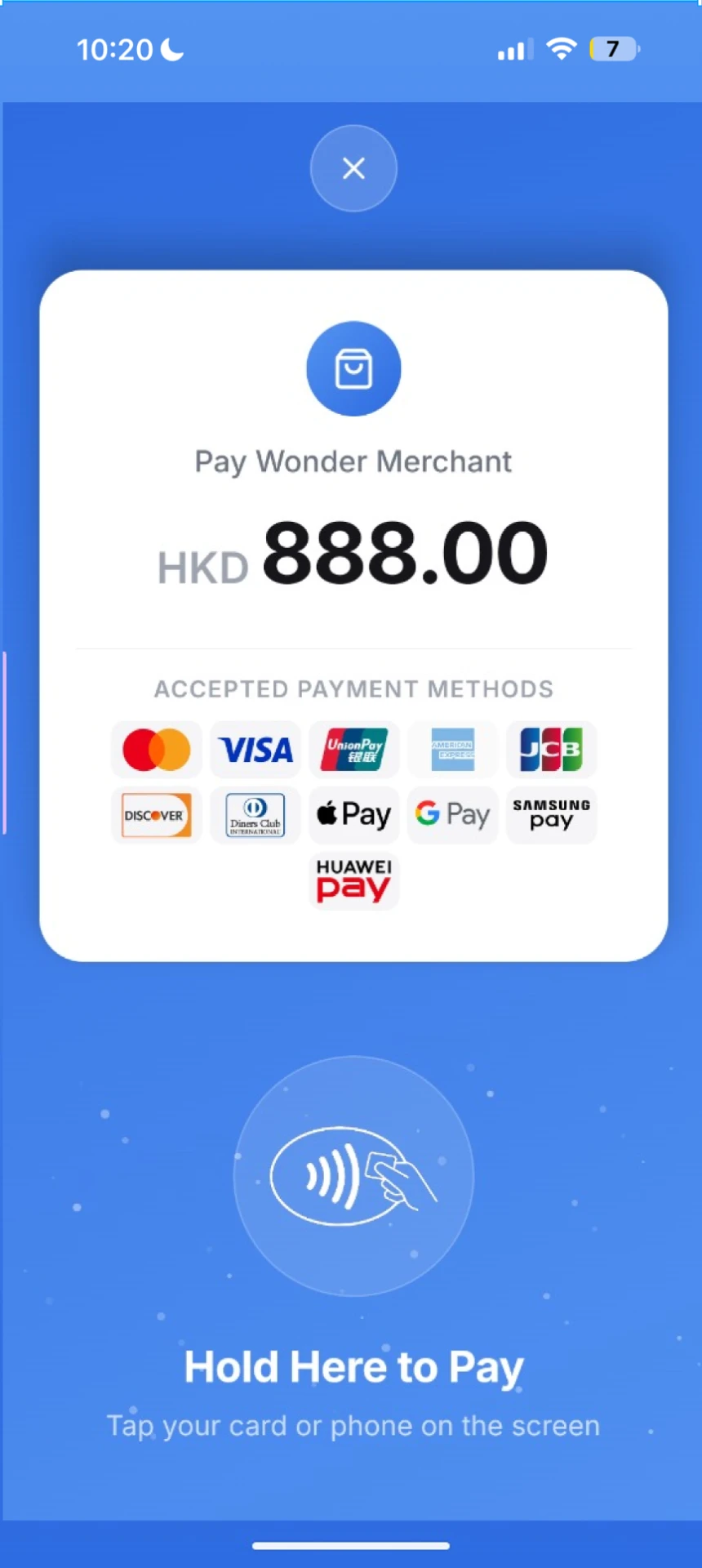
Customer taps to pay
They hold a supported card or mobile wallet near your phone.
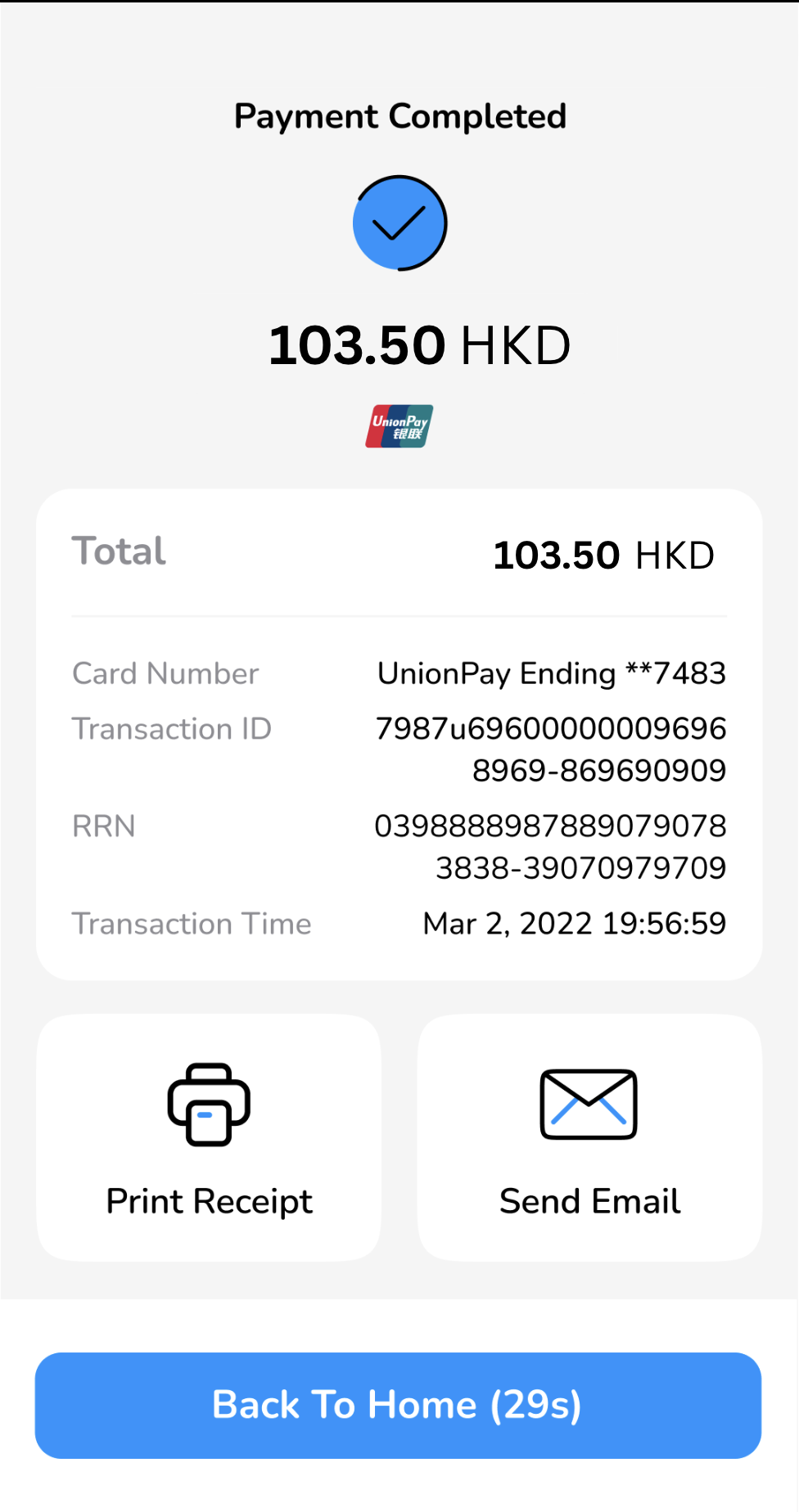
Payment is confirmed
Review the result and provide a digital receipt where configured.
Wonder SoftPOS is available on compatible Android phones in supported markets. Device and payment method availability depends on market and account setup.
Flexible payment moments
Request an agreed deposit before you begin.
Request the agreed amount when a project stage is reached.
Collect the final agreed amount when the work is complete.
Payment methods
Accept supported card payments where available.
Offer supported mobile wallet payments where available.
Offer supported local methods depending on market and account setup.
Payment visibility
Wonder helps you collect and view payments. It does not create invoices or replace accounting, bookkeeping, project, contract, CRM or subscription tools.
See whether a payment was completed.
Review related payment activity in Wonder.
Use payment details to check against your own work records.
FAQ
Yes. Send a Wonder Payment Link and your client can complete payment on their own device. Availability depends on market and account setup.
Choose a practical way to request remote payment or accept it in person with Wonder.